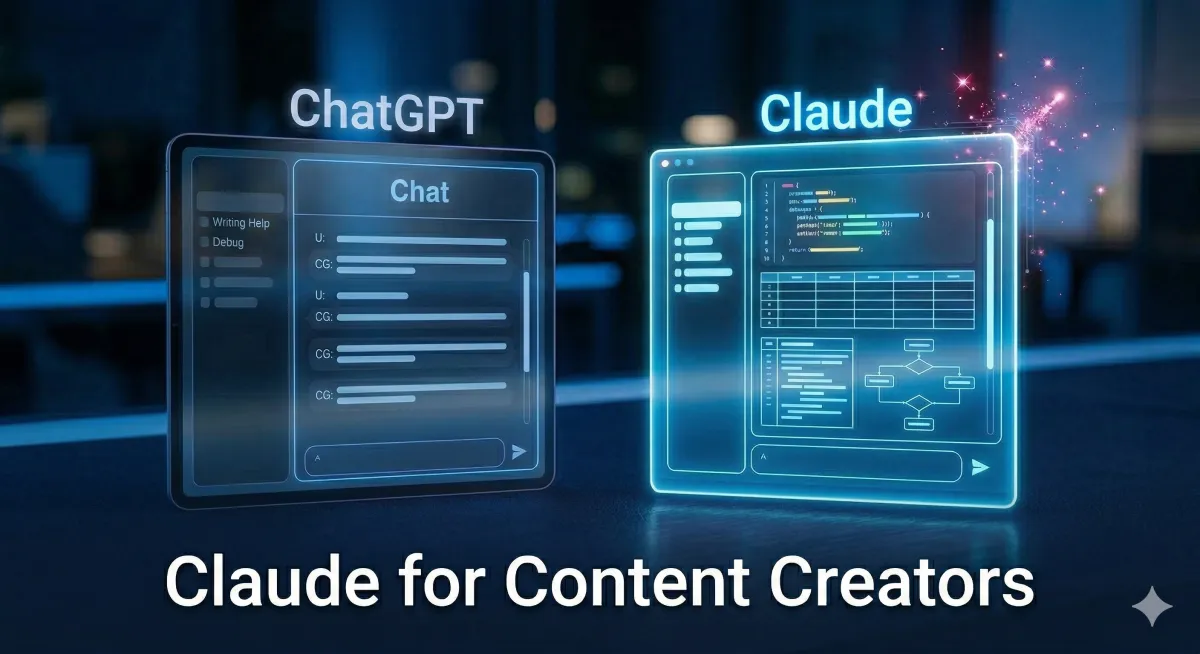
Claude for Content Creators: What It Does That ChatGPT Doesn't
You've probably tried both. You opened ChatGPT, typed a prompt, got something decent. Then you tried Claude and thought it felt different, but you couldn't explain why.
Here's why.
Claude and ChatGPT are not the same tool with different branding. They make fundamentally different choices about how to respond to you. And for creators specifically, those differences matter more than people realize.
This is the breakdown.
Claude actually follows instructions
Most people don't notice this until they give both tools the same prompt with specific formatting rules. Tell ChatGPT: no bullet points, conversational tone, under 150 words. It will probably give you bullets, corporate language, and 200 words.
Tell Claude the same thing. Claude follows it.
This isn't a small thing. If you're using AI to produce content that sounds like you, the tool has to honor the rules you set. Every time you get output that doesn't match what you asked for, you spend time editing instead of publishing.
Claude's instruction-following is tighter. That's not a preference. That's a workflow difference.
Claude asks before it guesses
Here's a habit that separates Claude from ChatGPT: when your prompt is unclear, Claude asks clarifying questions before producing output. ChatGPT makes its best guess and hands you something to fix.
Both approaches can work. But for creators who care about consistency and specificity, the clarify-first approach saves time. You get one round of back-and-forth before the output, instead of five rounds after.
Add this to any prompt you write: "Before you write anything, ask me any questions that would help you do this better." That one line changes the output quality every single time.
Projects. This is the real difference.
Claude Projects let you create a dedicated workspace for a specific purpose. Inside that project, you write custom instructions that define exactly how Claude should behave for every conversation in that space. Your brand voice. Your tone. Your audience. What you never want it to say. How you want content formatted.
One setup. Every output after that already knows who you are.
Without this, every AI session is a cold start. You re-explain yourself, you correct the tone, you fix the formatting. With a Claude Project configured for your content, none of that happens. Claude picks up where you left off.
For creators running a content operation, this is not a nice-to-have. It is the difference between AI being a productivity tool and AI being a real part of your workflow.
What a live side-by-side actually showed
In a recent workshop, both tools got the same task: produce a TikTok script in a specific creator's voice, formatted for their content style.
Claude's output: structured, on-brand, formatted correctly, required minimal edits.
ChatGPT's output: wordy, required more prompts to get to usable.
The same prompt. Different tools. One was ready to use. One needed a second round.
That's not a case study. That's a pattern that shows up consistently when you're working at volume.
One prompt, five assets
Here's what Claude can produce from a single prompt when you have a Project set up properly: a TikTok script, image prompt for your avatar, audio chunks ready for ElevenLabs, captions for Instagram and LinkedIn, and a tweet thread.
One prompt. One output block. Five content assets.
This is what building with AI actually looks like. Not magic. A system that works because you built it once and now it runs.
Which one should you use?
If you're a creator who produces content regularly, wants output that sounds like you, and needs a tool that works the same way every session, Claude is the better fit.
If you're just testing AI for the first time and want the most familiar starting point, ChatGPT works fine. But you'll hit the ceiling of what it can do for creator workflows faster.
The goal isn't switching for the sake of it. The goal is getting a tool that actually reduces the time between idea and published content.
If you want the exact Claude setup I use, including the Project instructions, custom Skills, and the prompts that run my content workflow, that's all inside the Claude for Creators Playbook.
It's $37 and it's built for creators, not developers.
